Do you often work on the same topic with ChatGPT? Then you know the problem: every new chat starts from scratch. You have to explain who you are, which documents are important, and what tone you want for the answer. The Projects feature in ChatGPT solves this. In this blog, you will read exactly what a project is, how to create one, and how to make the most of it.
What is a project in ChatGPT?
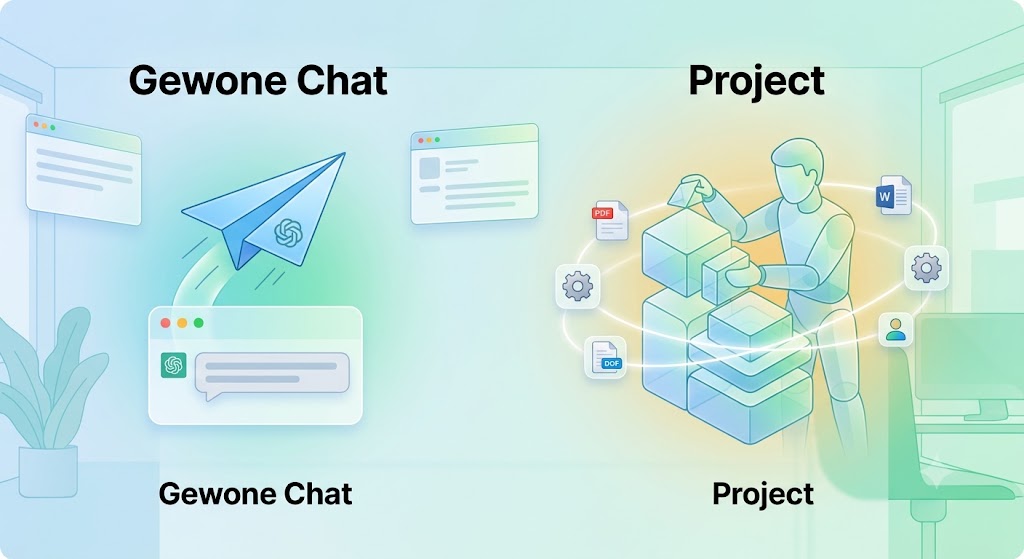
Think of a project as your own office within ChatGPT: one defined space for one topic, where everything related to it comes together. Think of an ongoing client assignment, a research project that lasts weeks, or a content process that you repeat every month.
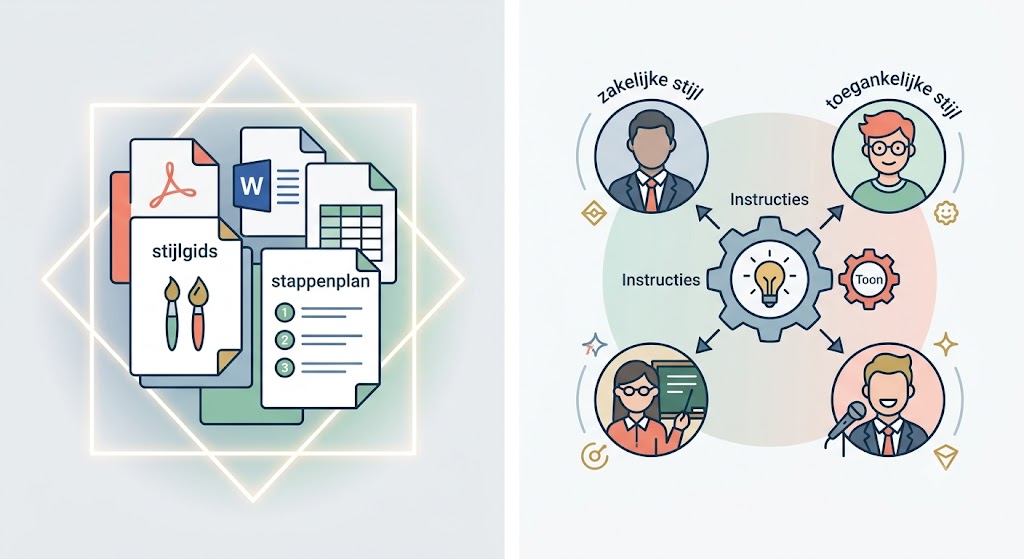
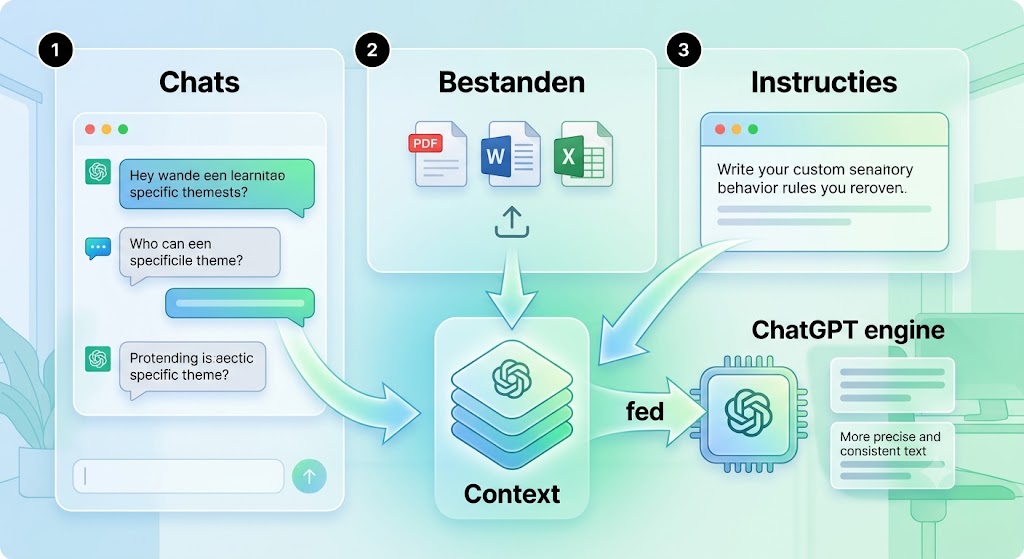
Within that space, you keep three things. To start with, all chats related to the same theme are kept neatly together instead of being scattered across separate conversations. Additionally, relevant files such as PDFs, Word documents, spreadsheets, or other sources. And finally, the instructions: the fixed rules for role, tone, and approach that you only need to set once, instead of for every chat.
The big advantage is that ChatGPT automatically combines that context in every chat within the project. You don’t have to re-upload or explain anything. The result is not only time saved, but above all, output that is more consistent in style, tone, and content because ChatGPT works from the same foundation every time.
Points of attention for projects
Everything you do in a project stays within that project. So, a chat cannot simply refer back to something from another conversation outside the project, and vice versa. This may be different in some cases only for ChatGPT Enterprise and Edu. Do you use ChatGPT’s account memory? That will continue to work, even within a project.
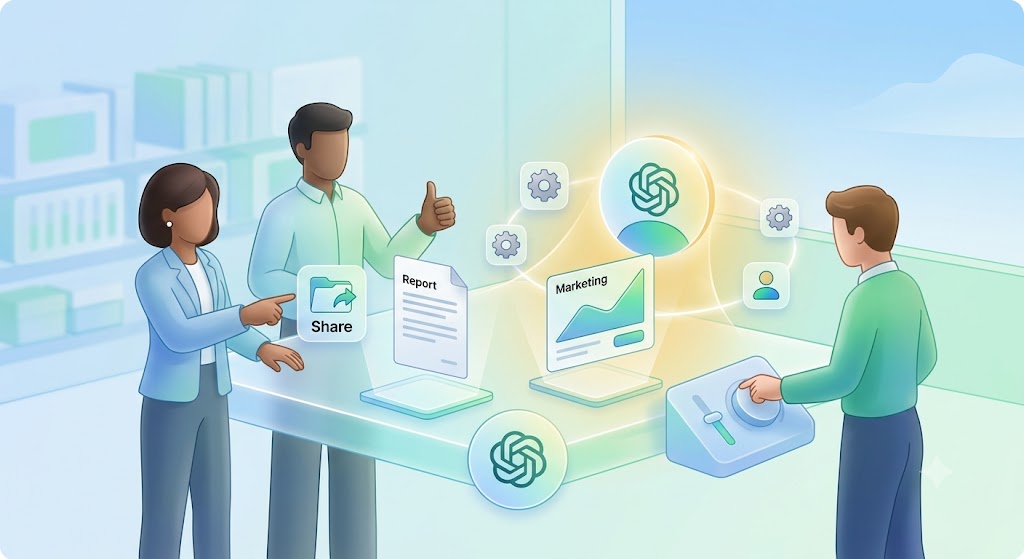
You can also share a project with others. Everyone who gets access will see the same chats, files, and instructions. Useful when working on something with a team, as no one has to keep explaining where everything is. As the project owner, you decide who can access it: only people you invite yourself, or anyone with the link.
Projects work in almost every ChatGPT subscription, including the free version, and you can use them on the website, on your computer, and on your phone. However, some components are not yet equally well-supported everywhere, which you might notice especially on mobile. One thing is not yet possible: using agents within a project. If you start an agent, you automatically leave the project.
Step by step: creating a project
Open ChatGPT and click on Projects in the left menu.
Click on New project to start a new workspace.
Give the project a clear name, for example “Communication Policy” or “SME VAT Reports”. Also choose an icon and color — with multiple projects side by side, you can see at a glance which workspace you are opening.
Add your sources. Upload documents belonging to the topic, such as a company presentation, style guide, or previous reports. ChatGPT automatically factors these into every chat within the project, without you having to provide them every time.
Set project instructions. Click on the three dots at the top right and choose Project settings. Define here what role ChatGPT takes on, what tone it uses, and what it should pay extra attention to.
Start your first chat within the project. From now on, every conversation you have here automatically has access to the files and instructions you have set.
Common mistakes to avoid
Setting up a project is simple, but using it well requires a bit more attention. These are the pitfalls you encounter most often:
Cramming everything into one project. One project for “work” in general quickly becomes a messy archive. Keep projects defined per topic, client, or process to keep the context sharp.
Leaving outdated files. If you add a new version of a document, delete the old one. Otherwise, ChatGPT may still rely on outdated information.
Not setting instructions. Without project instructions, you miss the biggest advantage: ChatGPT still won’t automatically know what role or tone you expect.
Writing instructions that are too vague. “Be professional” says very little. Be specific: who are you writing for, in what style, and what should ChatGPT specifically avoid?
Uploading sensitive information without thinking. Treat files in a project just as carefully as in a regular chat; do not share confidential data that doesn’t belong there.
Getting started with your first project
A project in ChatGPT is nothing more or less than a smart, organized workspace: all chats, files, and instructions surrounding one topic together, always within reach. For a one-off question, it’s of little use, but as soon as you are working on the same theme for longer, it saves you a lot of repetition and you get output that is noticeably more consistent.
Choose one recurring task from your own work today—a report, a client file, a content process—and set up your first project for it. After a few chats, you’ll feel the difference, and it’s unlikely you’ll go back to separate, contextless conversations.
Set up your first project today and work smarter with ChatGPT from now on
Start your first project now and contact us for more information!