AI tools such as Microsoft Copilot, ChatGPT, and other assistants are being used more and more frequently in daily work. Yet the quality of the output strongly depends on one important element: the prompt.
Prompting is giving clear instructions to an AI tool. The better the prompt, the better the result. In this blog you will read what prompting is, why it is important and how to apply it effectively.
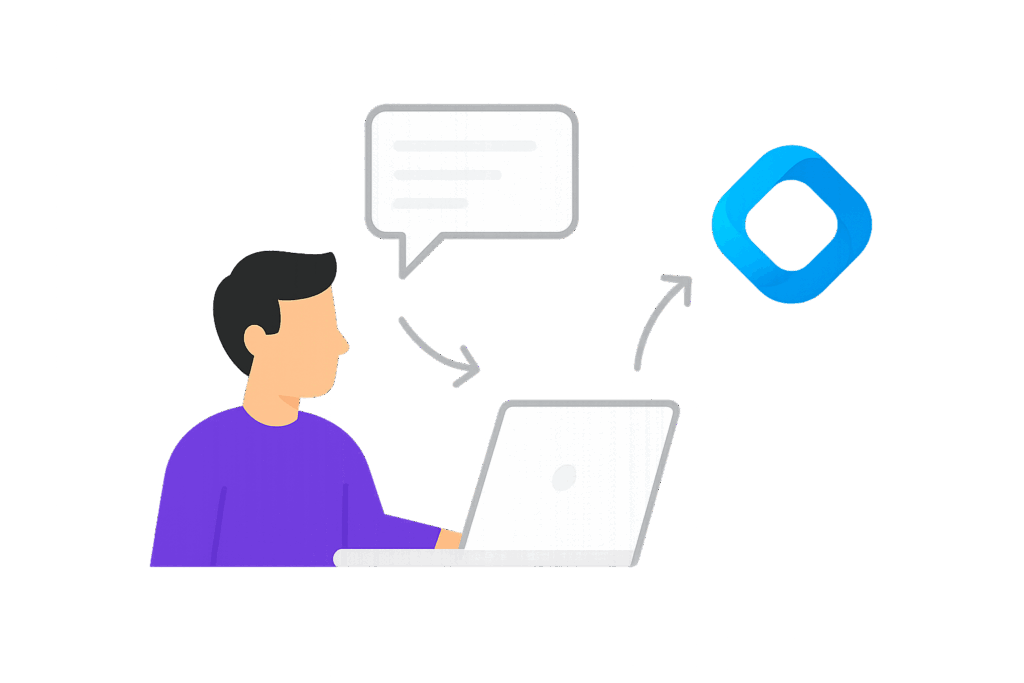
AI prompting is giving targeted instructions to an AI tool, such as Microsoft Copilot or ChatGPT, to get a desired result. Instead of working everything out yourself, you describe what you need and let the AI make a proposal based on that input.
A prompt can be as simple as a short question, but becomes more powerful when you give more direction. By making clear what the goal is, who the output is intended for, and in what style it should be written, the AI better understands what you expect. This makes the result better suited to your situation.
Working with prompts can be seen as directing a digital assistant. The clearer and more specific your assignment, the better the output will be. AI prompting is therefore an important skill to work effectively with AI and get the most out of it.
Good prompts make the difference between a usable result and something you still have to spend a lot of time on. It helps to be as concrete as possible and clearly indicate what you expect from the AI.
A strong prompt often contains several elements:
By including these elements, you direct the AI more precisely and the result becomes more relevant. It is also important to keep adjusting. See the first result as a starting point and work step by step towards the desired end result.
A good prompt can make a big difference in the quality of AI output. Many people use AI by only asking a short question, which means the result often remains general and does not fit the situation well.
With the C-O-N-T-E-X-T method you give AI more direction and ensure a more complete prompt:
By adding these elements, your prompt becomes more specific and more usable, which ultimately leads to a stronger end result.
When working with AI, a lot depends on how you formulate the assignment. Sometimes it is difficult to write the right prompt directly. An effective method to get better output is reversed prompting.
With this approach, you reverse the process. Instead of immediately giving an assignment, you first ask the AI what information is needed to answer your question properly.
For example:
“What information do you need to write a good marketing plan?”
instead of:
“Write a marketing plan”
This way, the AI first helps you gather the right input. You can then formulate a much more targeted assignment based on that.
This method works well because many prompts in practice are too general. When important information is missing, the AI has to make assumptions itself, which often leads to less relevant or less accurate results. Reversed prompting helps you to complete that information in advance, making the output better suited to what you need.
When you work more frequently with AI, you notice that not every prompt delivers the same result. Some prompts work well and deliver exactly what you need, while others remain too general. That is why it is wise to save good prompts.
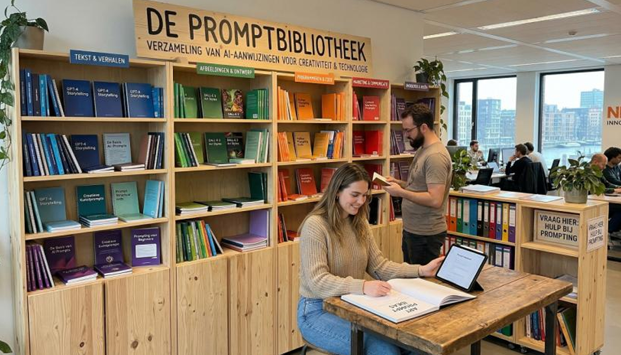
A prompt library is a collection of effective prompts that you use within your organization. Think of prompts for:
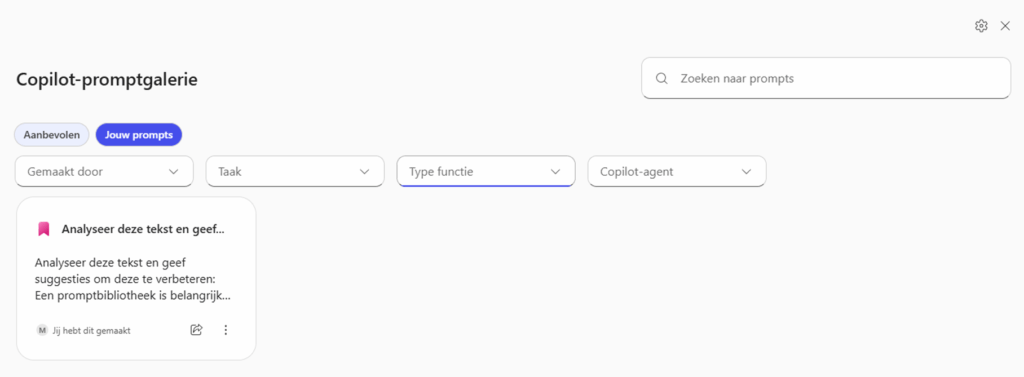
In Microsoft Copilot you can make use of a prompt gallery. Here you can save, adjust and reuse prompts. The advantage of this is that you work faster and get more consistent results.
In addition, you can organize your prompts based on task or department, such as marketing, sales or administration. This gives you an overview and allows you to quickly find the right prompt. A prompt library helps you to work more efficiently and ensures that you can share and improve knowledge within a team.
In Copilot you also have the option to work with a prompt gallery. This is a place where you can save, adjust and reuse your own prompts. In the screen you see for example “Your prompts”, where all the assignments you have previously created are listed.
The advantage of this gallery is that you don’t have to keep thinking about how to write a good prompt. You copy the prompt, paste it in, save it and copy the URL. You save what works and use it again when you need it. This way you work faster and more consistently.
In addition, you can organize your prompts based on task or type of function. Think of prompts for marketing, analysis or emails. This gives you an overview and allows you to quickly find the right assignment. The prompt gallery therefore works as a personal and shared library, in which you save the best prompts and keep improving them. This way you get more out of Copilot without having to start over every time.
You now have an idea of what AI bots can mean for your sales. The next step is to discover which solution best suits your company, systems and goals.
Let’s discuss your situation:
How many leads do you generate now?
Which systems do you already use (CRM, marketing automation)?
What are the bottlenecks in your current sales process?
Where are you missing opportunities now?
Schedule a conversation and we’ll look together at what the best approach is. Whether that is a standard platform or a custom-built solution.
Hello AI helps companies in Noord-Brabant and beyond with practical AI solutions. From training to custom chatbots. We speak Dutch, think along and deliver working solutions.