Since October 2025, you can use Comet for free, a browser built on Chromium, the same solid foundation that Chrome also runs on. The big difference lies in the integrated AI assistant, which doesn’t passively wait in a corner until you ask something, but actively thinks along with you while browsing.
This assistant understands the context of what you’re doing and can automate tasks you would normally perform manually. Think of filling in forms, summarizing long articles, comparing information across multiple tabs, or carrying out repetitive actions. Thanks to this integration, the line between browsing and productive work disappears. The AI becomes a natural part of your workflow instead of a separate tool you have to switch to. The result is that you work faster, have to switch less between different applications, and can complete complex browser tasks with less effort.
No more endless lists of links. Comet understands your question and immediately gives a clear answer with source citations. If you’re researching climate change, you get a summary of the key insights. Not 50 tabs to wade through.
The assistant that works with you
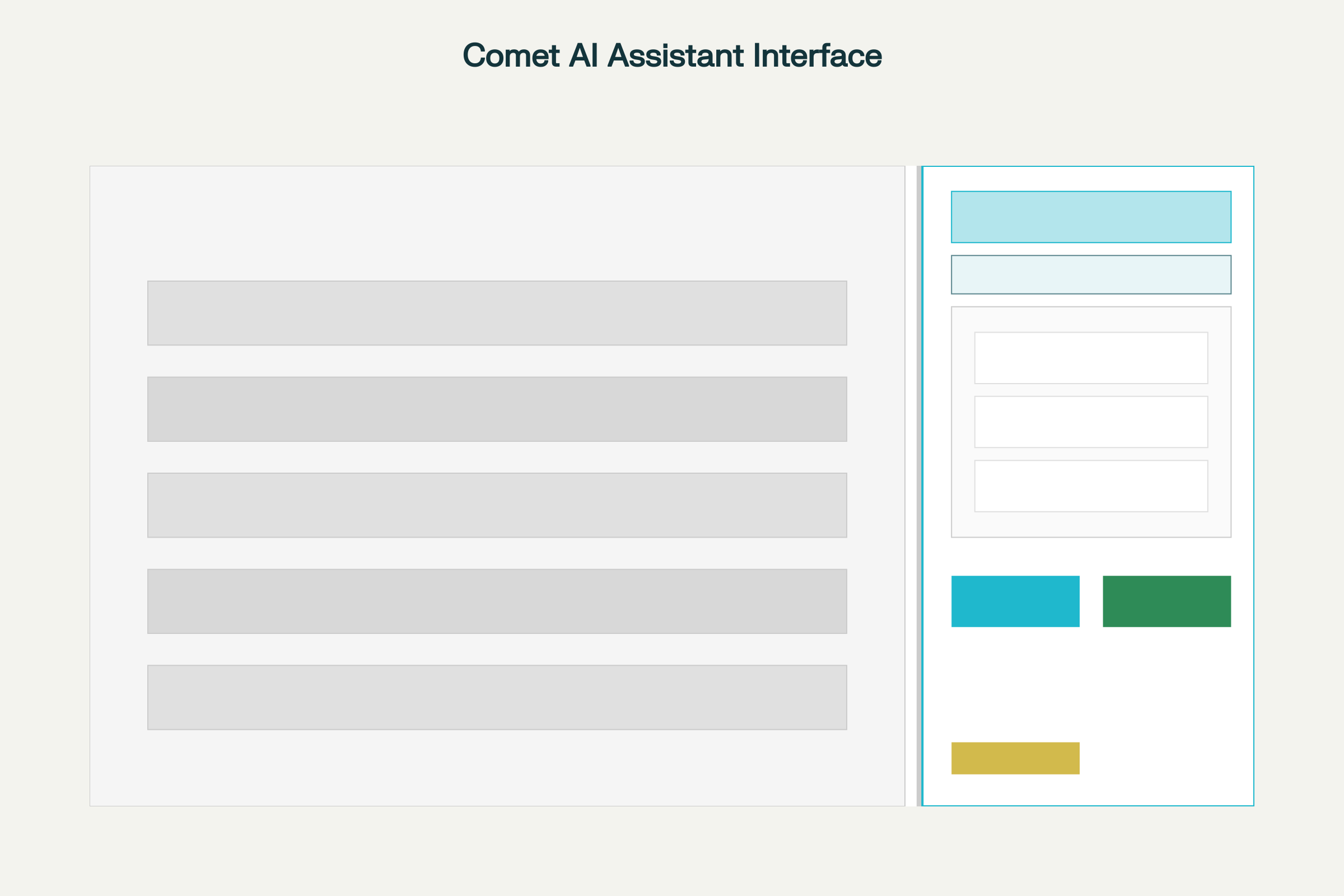
The AI assistant doesn’t live in a separate window. It watches your screen, understands what you’re working on, and helps whenever you need it. Ask for a summary of an article, a comparison of products, or an email draft, all without switching tabs.
Tasks that manage themselves
Comet can carry out complete workflows. Ask it to “book a meeting for next Tuesday” and Comet checks your calendar, finds a free slot, and proposes the meeting. Or: “summarize my unread emails.” That’s when your inbox truly becomes organized.
What can you have Comet do?
Email management
“Summarize all emails from this week and give me the action items”
What Comet does: Searches your inbox, extracts the most important messages, and creates an overview with concrete to-dos. You no longer have to scroll through 50 emails.
Online shopping “Find this bike but cheaper and with faster delivery”
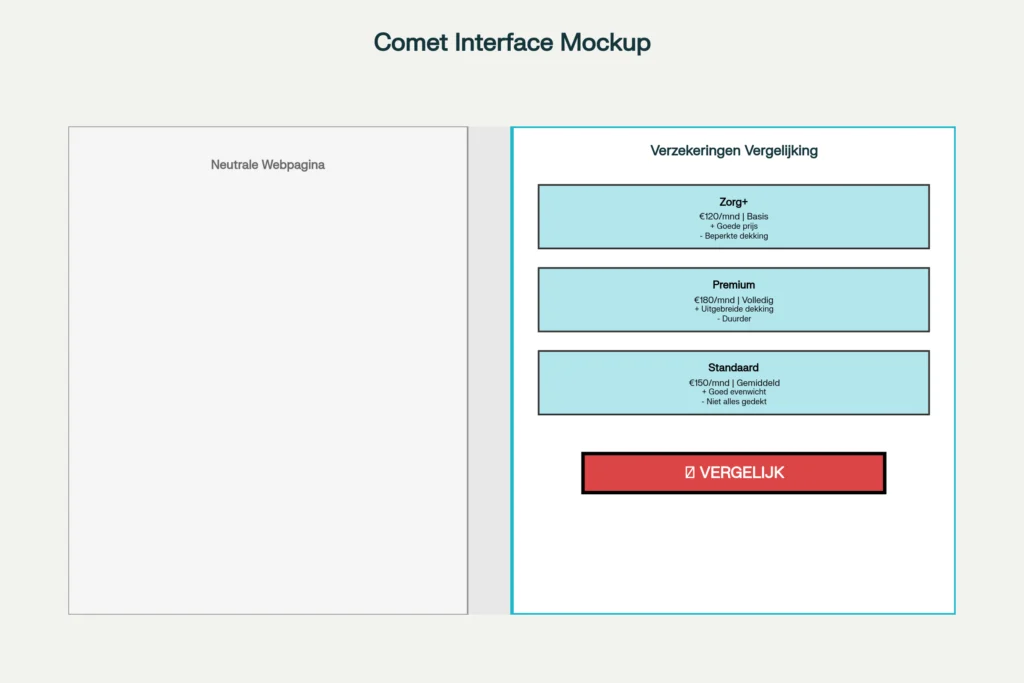
What Comet does: Automatically searches other websites for the same bike, compares prices and delivery times, and immediately shows you the best options.
Research & analysis “Create an overview of the arguments for and against this investment”
What Comet does: Searches multiple sources, gathers different perspectives, and presents a balanced overview with pros and cons.
Planning & organisation “Schedule a meeting with Jan next week, check my calendar first”
What Comet does: Connects with your Google Calendar, finds available time slots, suggests a time and can even prepare the invitation.
Understanding content “Explain this technical article as if I’m younger and don’t have full knowledge yet”
What Comet does: Reads along with the page, translates complex terms into simple language, and provides concrete examples that make it easier to understand.
Trip Planning “I want to go to Barcelona in March. Find cheap flights and hotels in the city center”
What Comet does: Searches multiple booking sites, filters by your criteria, and presents the best combinations of flights and accommodation – including total prices.
How you browse now vs. with Comet
First with a Traditional browser
Your browser is full of 20 open tabs because you’re comparing different options. You make notes in a separate document, copy-paste information back and forth between different tools, and manually dig through endless search results. Meanwhile, you lose information because you accidentally closed an important tab. And every time you have a follow-up question, you have to go back to ChatGPT, provide context again, and explain what you’re working on all over again.
Now: with Comet
You ask a single question: “compare these options” and Comet does the rest. The AI automatically summarizes what’s relevant and presents it clearly in a single interface. You get direct answers with source citations, without having to search yourself. The context is preserved between different questions, so you don’t have to keep explaining what you’re working on. And because the assistant has access to your open tabs, it understands exactly what you’re doing.
How does it work technically?
Built on Chromium
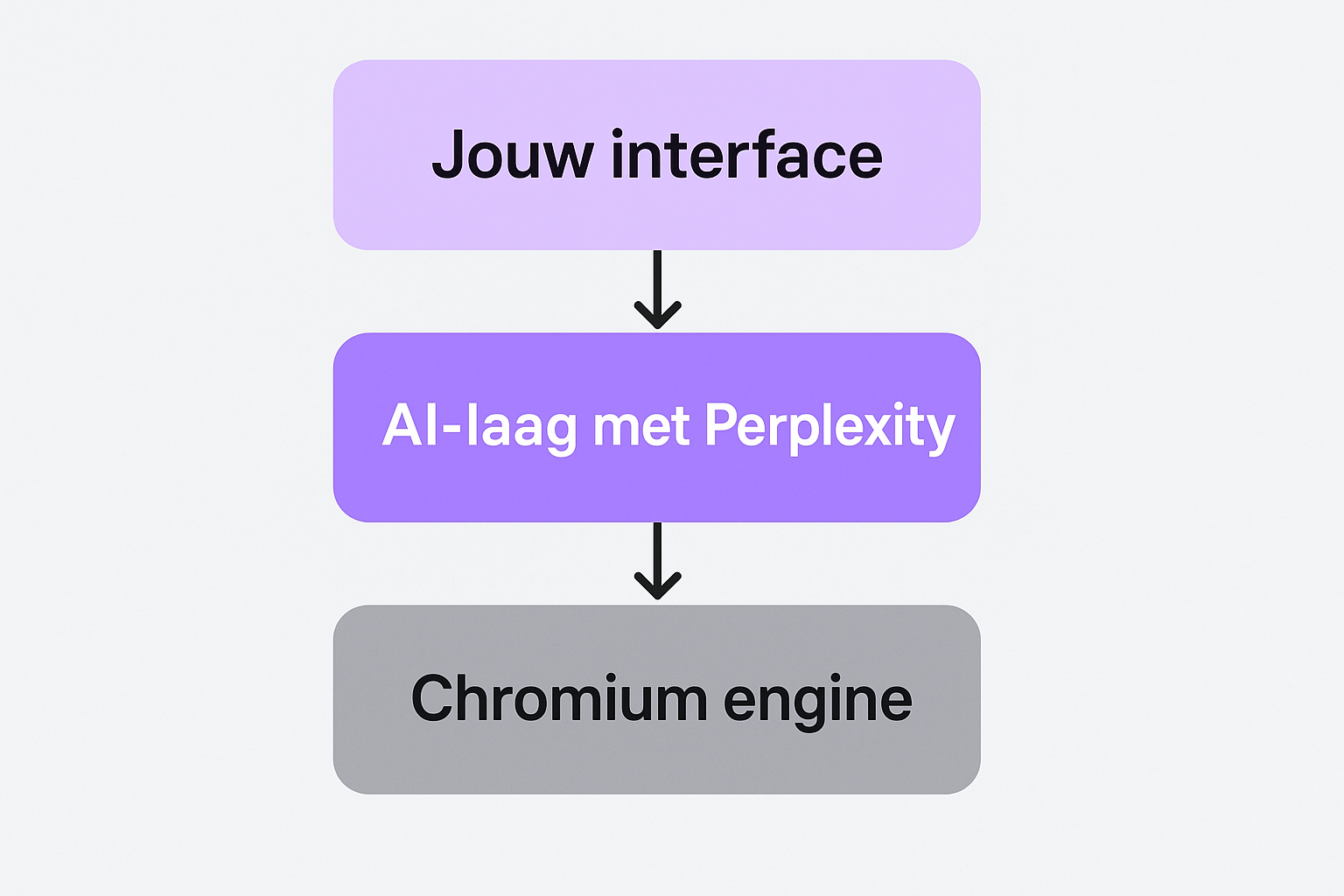
Comet uses the same foundation as Chrome and Edge. That means all your trusted websites simply work, Chrome extensions are compatible, and the browser is fast and stable.
The difference lies in the AI layer built on top of it. This layer can:
Read and understand web pages
Search and compare multiple sources
Automate tasks through natural language
Remember context between different questions
Privacy & security
Your browsing history, passwords, and cookies are stored locally on your own computer, not on Perplexity’s servers. Data is only sent when you give the AI assistant a task that requires personal context.
Comet is available for Windows and Mac, and works with the same security standards as other Chromium browsers.
Who is Comet interesting for?
Entrepreneurs & managers
You don’t have time for endless searching. Comet gathers market information, compares competitors, and summarizes research reports – so you can make decisions faster.
Researchers & students
Research becomes easier. Comet can summarize multiple articles, compare sources with each other, and even detect conflicting information – ideal for literature reviews.
Content creators
Gathering inspiration, analyzing competitors and checking sources – all without getting lost in dozens of tabs. Comet helps you stay focused on the creating itself.
Developers & Technicians
Quickly search documentation, find code examples, or get technical concepts explained. The AI understands programming context and can even help debug.
Marketers
Analyzing trends, monitoring social media, comparing campaign ideas, and evaluating content strategies. Comet helps you turn data into insights.
Teams & organizations
Collaborate more efficiently through shared context. Summarize email threads, prepare meeting notes, and centralize project information without the hassle.
Free vs Comet Plus: what do you get?
The free version of Comet gives you the basics: the AI browser with assistant, automatic summaries, tab management and Gmail and Calendar integration. You can just get started with it.
For 5 euros per month, Comet Plus gives you three extra things. First: premium content from CNN, Washington Post and Fortune. You read articles that are normally behind a paywall, directly in your browser.
Second: Background Assistants. These carry out tasks while you keep working. Think of gathering research or preparing data. The work continues in the background.
Third: faster support and early access to new features. You’re at the front of the line when something new arrives.
The question is simple: do you need that premium content and do you want to run tasks in the background? Then Plus is useful. Do you mainly use the basic AI functions? Then free is enough.
What you need to take into account
Privacy considerations
Although Perplexity claims that data stays local, a “CometJacking” security vulnerability was discovered in August 2025. This has since been patched, but it illustrates that you should be cautious with highly sensitive information. Don’t use Comet for banking or medical data until security has been further proven.
Still in development
Comet has only been available since July 2025 and free since October 2025. It’s innovative, but not always flawless. Tasks that require multiple steps can sometimes fail or produce strange results. It’s no substitute for critical thinking.
Not a full Chrome replacement
Comet is built on Chromium, so most Chrome extensions work. However, some enterprise features and deep integrations with Google Workspace are not (yet) available. Additional testing is required for corporate environments.
Need help implementing AI tools?
At Hello AI, we help businesses and teams get practically started with AI. From accessible training to custom chatbots and automation. We make AI understandable and workable.