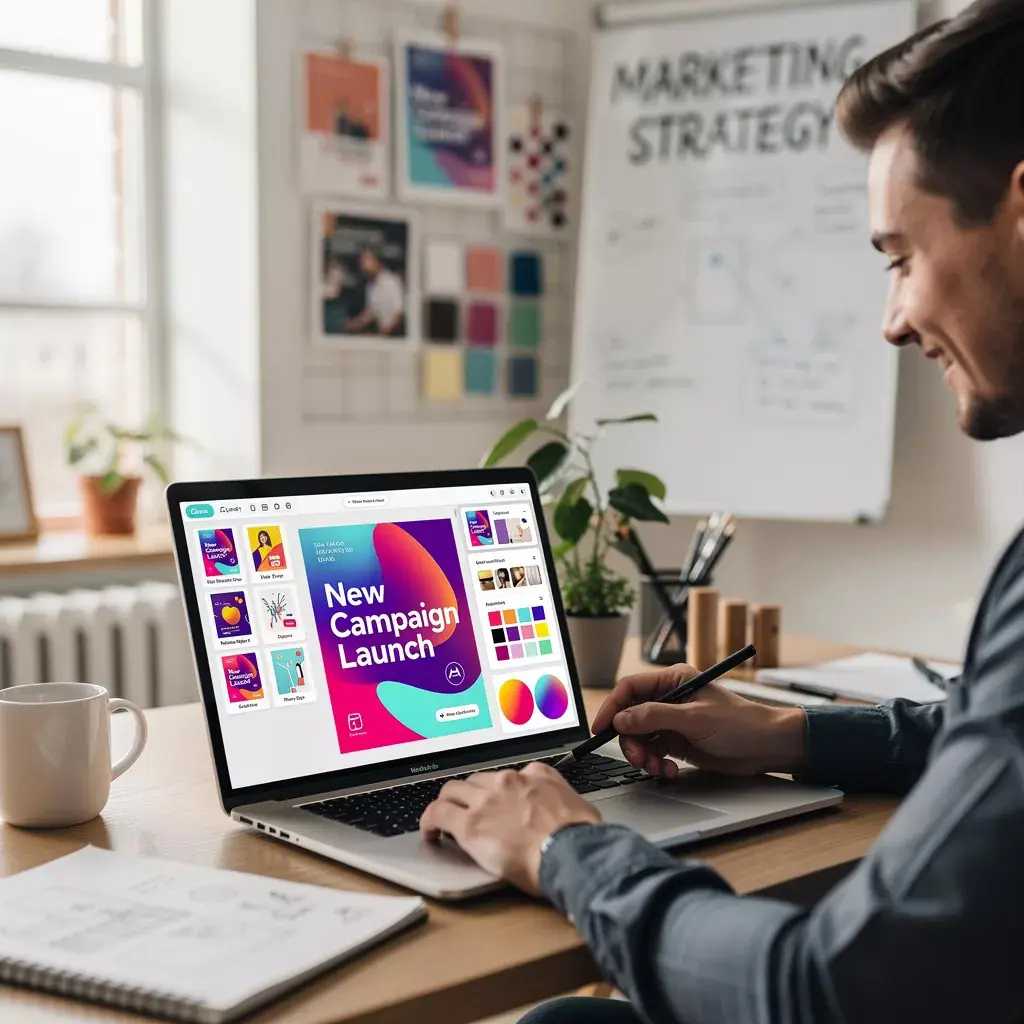
Canva is an online design platform that lets you create various types of content without needing to be a professional. The platform was launched in 2013 by Melanie Perkins, Cliff Obrecht and Cameron Adams in Australia, with the goal of making graphic design accessible to everyone.
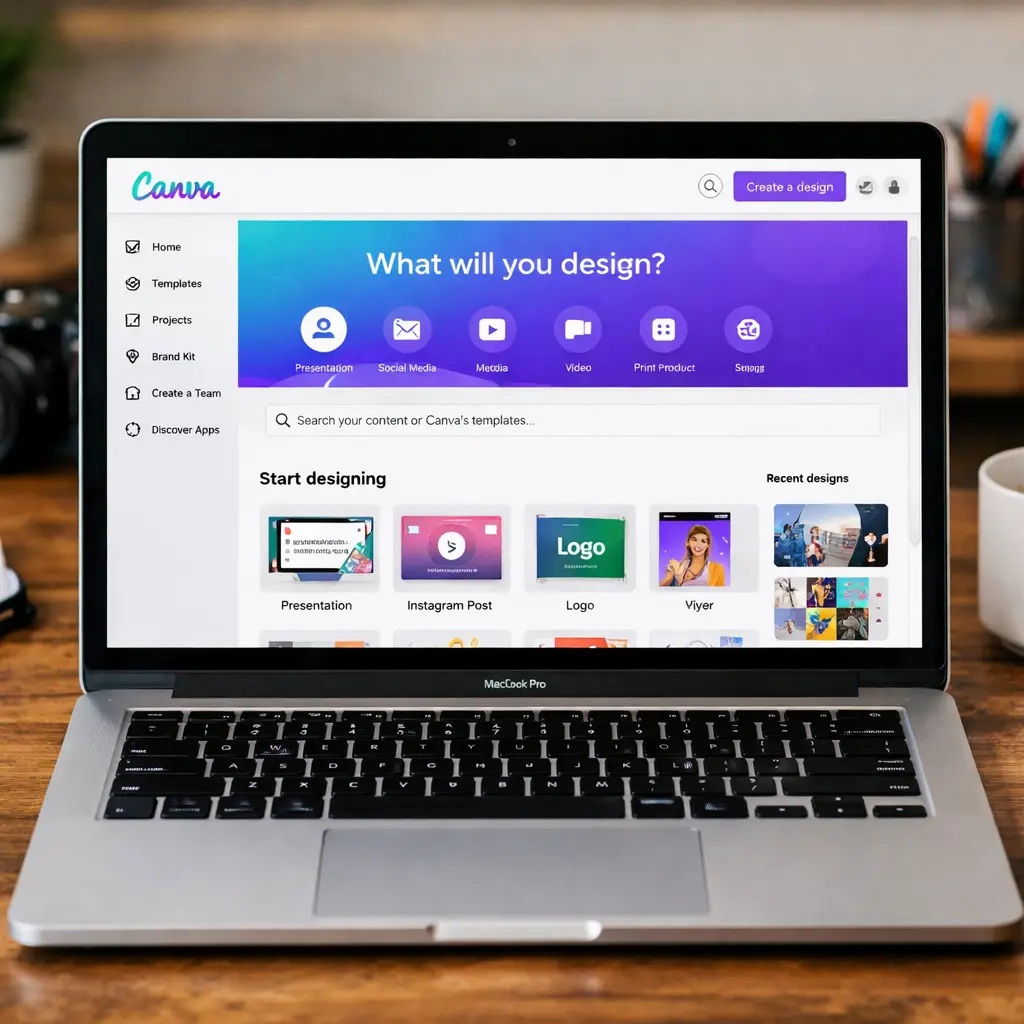
You work in your browser with an interface where you drag and drop elements. This means you drag photos, text, shapes and icons onto your canvas and adjust them however you like. The platform offers thousands of templates for various types of things such as: social media posts, presentations, flyers, logos, infographics and more.
The advantage of Canva is that you can get started with it right away. Where you used to need programs like Photoshop or InDesign that you first had to learn, you now create designs that look great within minutes. You don’t need any design knowledge to get started. The templates give you a foundation, and you adjust colours, fonts and images to match your own style.
Canva works with a free and a paid version. The free version gives you access to basic tools and a library of templates and elements. For extra features such as more stock photos and advanced tools, you pay for a subscription. By now, more than 135 million people use Canva every month, from students to marketers and from small business owners to large companies.
Canva AI makes it even easier
Canva AI is a set of smart tools within Canva that use artificial intelligence to speed up your design work. In December 2022, Canva introduced its first AI tool, Magic Write, a text generator that writes content for you. Since then, the platform has added more AI features that automate tasks you’d normally spend a lot of time on.
Think of removing backgrounds from photos with one click, generating images from a text description, or having texts written for your social media posts. The AI takes over the chores so you can focus on the creative decisions.
The tools don’t always work perfectly on the first try. Sometimes you need to adjust your prompt or try a few variations before you get the result you’re looking for. But when it works, it saves you a fair amount of work and you have something that looks good within minutes.
Canva AI makes design more accessible for people without design experience, while also helping professionals work faster. You combine the ease of automation with your own insight into what fits your brand or project.
Canva’s Magic Design
You need a flyer for your event, a social media post for your business, or a presentation. But you have no experience with design. Programs like Photoshop are too difficult to learn quickly, and hiring a graphic designer is too expensive or takes too much time.
That’s where Canva’s AI features help you out. These tools tackle the exact areas where many people get stuck. You don’t need to know how to remove a background, write texts, or create a design. The AI does this for you, so you’ll have something that looks great within a few minutes. No years of experience needed, no expensive courses
How Canva AI works
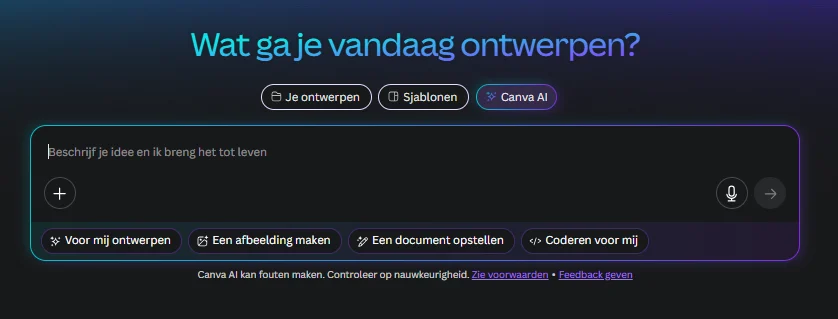
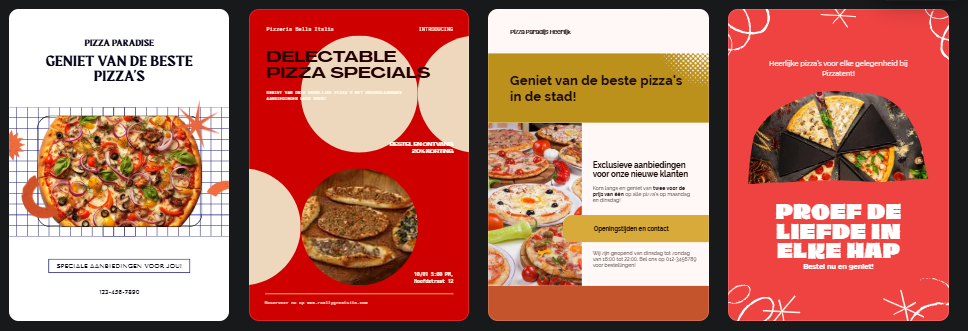
You type what you want, for example “flyer for pizza restaurant”, and within seconds you get a number of different professional designs. Magic Design analyzes your text, choosing suitable colors, fonts and images. The system learns from millions of existing designs and knows what works well in a design.
Practical examples with Canva AI
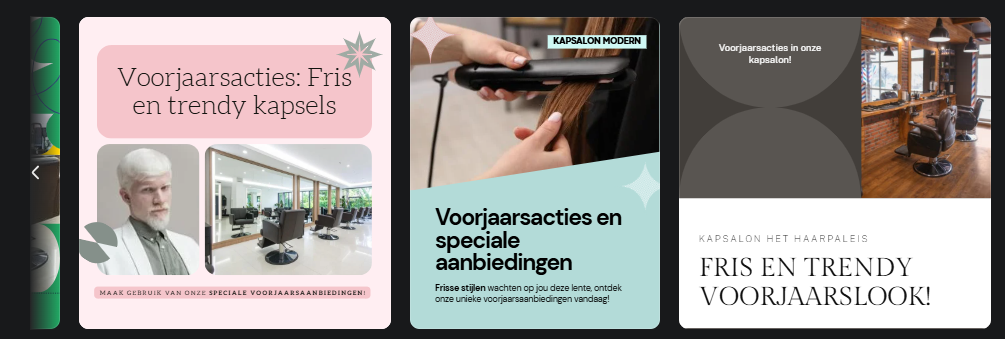
For instance, you run a hair salon and want an Instagram post. Type “Instagram post for hair salon, modern style, spring promotions” and Canva’s AI automatically creates several versions with matching colors and fonts.
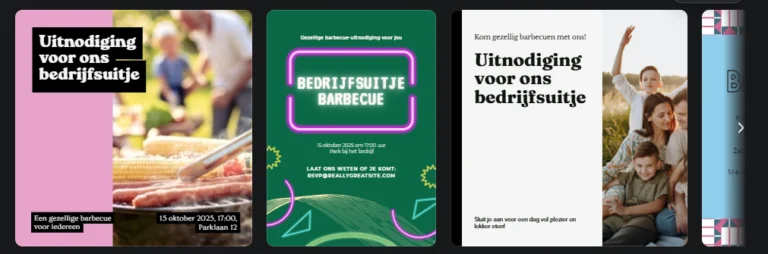
Or you’re organizing a team outing. Ask for an “invitation for a company outing, casual vibe, barbecue theme” and within minutes you’ll have professional invitations ready.
Tip: all designs are also customizable, so if you find something isn’t quite right, it’s easy to improve. Very handy!
What can Canva AI make?
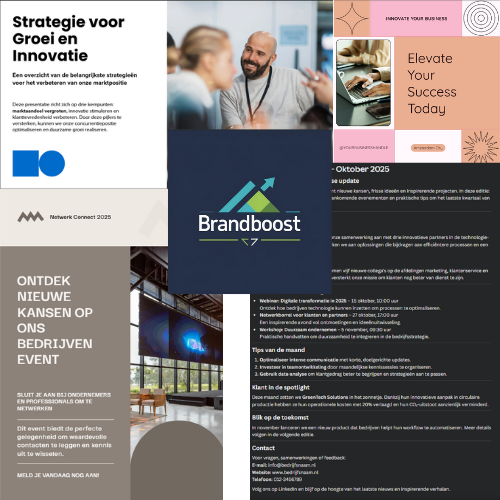
Social media posts
Professional presentations for meetings
Flyers and posters for events
Logos that match your business
Newsletters
These are just examples
More possibilities
Canva’s AI can edit photos, remove backgrounds, adjust colors, and create complete animations. Text to Image generates images based on your description. Say you want an image of “a modern office space with plants” — Canva AI then generates an image for you. As you can see, it did exactly what I asked for.
The Lesser Strength of Canva AI
AI design is powerful but not perfect. For specific brand guidelines or unique creative visions, you still need human designers. AI can sometimes produce generic results. Customize the designs so they truly fit your brand.
Getting Started
Create a free Canva account and try out Magic Design. Start with something simple like a social media post. Experiment with different descriptions and see what works best. You can always adjust what AI has created.
Learn to use AItools optimally
Want to get more out of AI design tools? At Hello AI, we teach you how to smartly combine Canva and other AI creative tools. From text to image to video, all in one practical training.